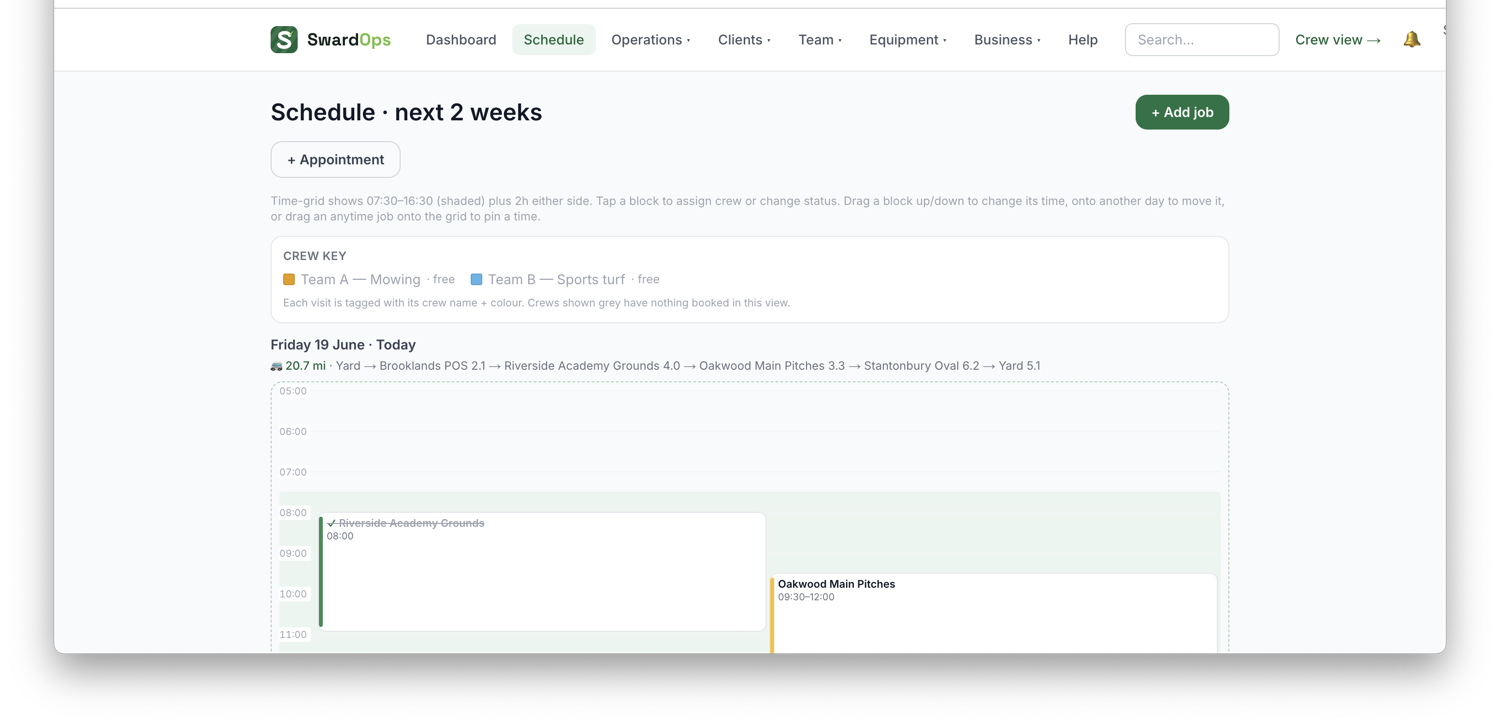
Schedule is your planning board. Each visit shows the site, the work and its timing.
To schedule work:
- Schedule → New job (or click a day on the board).
- Pick the customer & site, the service/work, and the date.
- Set the timing — a fixed start time, a time window, or "any time that day".
- Assign a crew (or individual staff). Assigned crew get it on their phones.
When several crews are out on the same day, each crew gets its own row so you can see the whole operation at a glance. Travel time and a "fix travel times" tool keep the day realistic.
Crews mark jobs as on-site, travelling and complete from their phones, so the board reflects reality through the day.